



 1
1

Movies & TV series, all in one hub
Discover movies & TV series on CinemaHub
Browse trending and top-rated movies and TV series, explore cast and crew, watch trailers and see where each title is available in your country.
Trending Movies
See all trending moviesThe films people are watching and talking about this week.

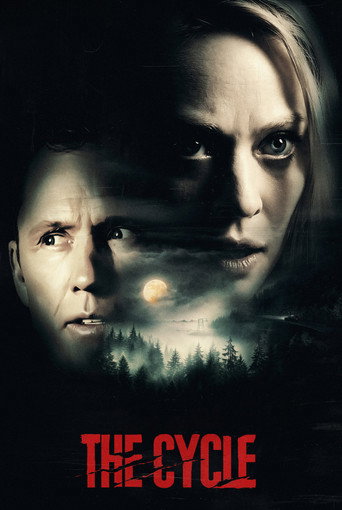











Popular TV Series
Browse all popular tv series


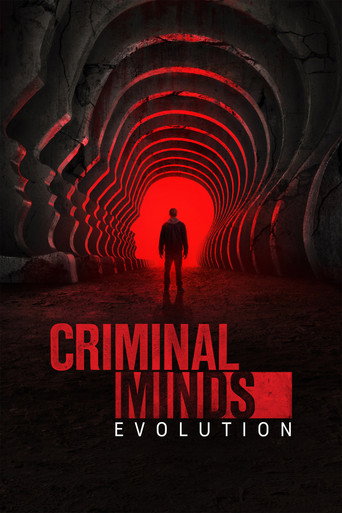







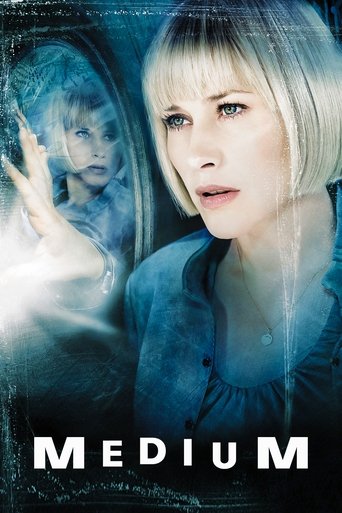
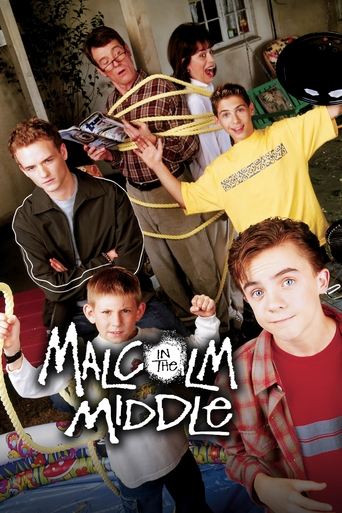



Latest Releases
See all latest releasesMovies released in theaters or on digital platforms in the United States in the last 45 days.









Top Rated Picks
See all top rated picksThe highest audience scores on TMDB: films with 2,000+ votes and series with 800+ votes.















Browse by Genre
All genresBrowse by Country
All countries- United StatesAmerican titles
- United KingdomBritish titles
- South KoreaKorean titles
- JapanJapanese titles
- IndiaIndian titles
- FranceFrench titles
- SpainSpanish titles
- GermanyGerman titles
- ItalyItalian titles
- MexicoMexican titles
- CanadaCanadian titles
- AustraliaAustralian titles
- BrazilBrazilian titles
- TurkeyTurkish titles
Editor’s Picks
Hand-picked themes to start from. The titles in each collection update automatically from TMDB audience scores.
-
Series night
Acclaimed Korean Dramas
Character-driven Korean series ranked by audience score: a reliable starting point if you are new to K-dramas.
Open collection -
Movie night
Big-Idea Science Fiction
Time loops, first contact and future societies: the best-rated science fiction films, each backed by hundreds of audience votes.
Open collection -
For everyone
Animation for Every Age
The animated films audiences rate highest, from family favorites to stories made for grown-ups. Check the age rating on each page.
Open collection -
Binge-worthy
Crime Series to Get Hooked On
Investigations, heists and courtroom drama. Top-scoring crime series, with season guides to help you decide how deep to go.
Open collection











How to Discover Movies and TV Series with CinemaHub
There has never been more to watch, and that is exactly why choosing has become harder. Between new releases, returning series, festival favorites and decades of classics spread across dozens of services, it is easy to spend more time scrolling than watching. CinemaHub was built to make that first step easier: a calm, well-organized place to find a movie or TV series, learn enough about it to decide, and see where it is available.
What CinemaHub is (and what it is not)
CinemaHub is a movie and TV discovery website. Every title page brings together the essentials in one place: the poster and artwork, a short synopsis, release year, runtime or episode length, genres, original language, cast and crew, a trailer when one is available, and where-to-watch information for your country.
It is just as important to be clear about what CinemaHub does not do. CinemaHub does not host, upload or stream full movies or episodes, and it never links to unofficial copies. When you are ready to watch, the title page points you to the legal services that carry it, such as subscription platforms, free ad-supported services, and digital rental or purchase stores. The decision and the viewing happen with those providers.
Where the information comes from
Catalog details, images and audience scores come from The Movie Database (TMDB), a large community-maintained film and television database. Where-to-watch availability comes from JustWatch, delivered through TMDB. To stay fast, CinemaHub keeps a saved copy of this information and fetches a fresh one on the first visit after it expires: after about an hour for trending lists, three hours for other lists, and twelve hours for title details, including availability. If TMDB cannot be reached, an older saved copy may be shown for up to two days, and title and list pages say so. Because streaming catalogs change often, always confirm the price and availability with the provider before you pay.
Browsing movies and TV series
The two main catalogs are Movies and TV Series. Both start with the titles that are most popular right now, and both can be narrowed with filters for genre, release year, country of origin, original language and minimum audience score. Combining two filters is usually more useful than one: “Korean drama series” or “science fiction films from the 1980s rated 7 and up” gives you a short, focused list instead of an endless one.
If you already know what you are looking for, the search page (and the search box at the top of every page) suggests matching titles as you type, with the year and type of each result so you can tell a film from its remake or its series adaptation.
Trending and top rated: two different questions
The trending movies and trending TV series lists answer the question “what are people talking about this week?”. They are based on TMDB’s weekly trending ranking, so they react quickly to new releases, finales and surprise hits.
The top-rated movies and top-rated TV series lists answer a different question: “what do audiences rate highest over time?”. To keep these lists meaningful, a movie needs at least 2,000 votes and a series at least 800 votes before it can appear. A small number of enthusiastic ratings cannot push an obscure title to the top.
Across the whole site, an audience score is only displayed once at least 25 people have rated a title, and it is always labeled as a TMDB score. A score is a useful signal, not a verdict. A 6.8 horror film with thousands of votes may suit you better than an 8.0 drama with forty.
Exploring by genre and by country
The genre pages are a good place to start when you know the mood but not the title. Each one introduces the genre, then shows popular and top-rated movies, plus popular series wherever TMDB uses that genre for television.
The country pages open the door to film and television from around the world, including Korean dramas, Japanese films and anime, British crime series, Spanish thrillers and Indian cinema in several languages. Titles are grouped by country of origin as recorded by TMDB. Looking beyond your usual market is one of the easiest ways to find something that feels genuinely new.
Cast, crew and trailers
Every title page lists the main cast with their character names, along with key crew such as directors, writers and series creators. For TV series, a season guide shows each season with its episode count, and individual season pages list every episode with its air date and, where TMDB has one, a synopsis.
Trailers and teasers come from YouTube, as listed by TMDB, with official videos shown first; some titles, especially older or smaller ones, have none. To protect your privacy and keep pages fast, the video player only loads when you press play, using YouTube’s privacy-enhanced embed mode, which you can read about in YouTube’s help center. A trailer is often the quickest way to judge tone, but if you want to avoid spoilers, the synopsis is usually the safer read.
Finding where to watch
The where-to-watch section on each title page groups services by how you can watch: included with a subscription, free, free with ads, rent or buy. You can switch between 18 countries, and your choice is remembered in your browser for next time. The Where to Watch page lets you start from the other direction: choose a service in your country and see popular titles it currently includes.
Availability differs from country to country and changes every month, so a title that is not listed today may appear later, and one that is listed may leave a service. CinemaHub shows the information the data provider has at the time of the last update.
Keeping a shortlist with My List
When something catches your eye, press the bookmark button to add it to My List. There is no account and no sign-up: the list is stored only in your own browser and is never sent to CinemaHub. It is a simple way to build a shortlist, so the next time you sit down to watch, the decision is already half made.
A simple way to start
- Decide on the time you have and the mood you are in: a two-hour film or a few episodes, something light or something gripping.
- Open a genre or country page, or the trending list, and pick two or three candidates.
- Compare their synopses, audience scores and vote counts, and watch a trailer if you are still unsure.
- Check where each one is available in your country, and save the rest to My List for another night.
That is all CinemaHub tries to do: help you spend less time searching and more time enjoying something worth watching.